
歌曲详情页
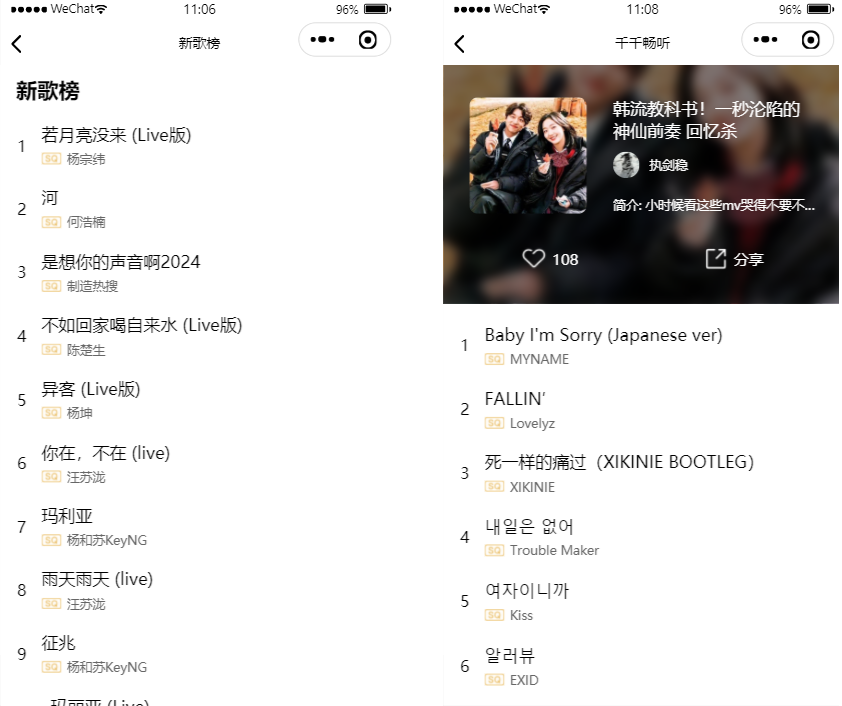
第一章:榜单详情页
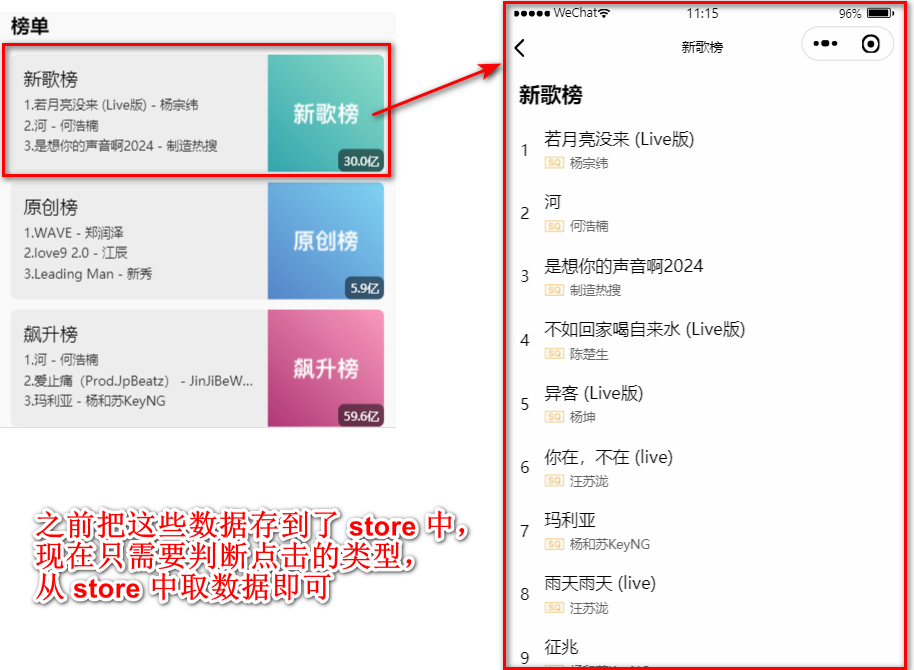
一、点击跳转
1)给 ranking-item 添加 key="" 属性。
\pages\main-music\main-music.wxml
xml
<block wx:for="{{rankingInfos}}" wx:key="id">
  <ranking-item itemData="{{item}}" key="{{index}}"/>
</block>2)在 ranking-item 组件内部接收 key 并使用。
\components\ranking-item\ranking-item.js
js
properties: {
  key: {
    type: String,
    value: "newRanking"
  }
},

onRankingItemTap() {
  const key = this.properties.key
  wx.navigateTo({
    url: `/pages/detail-song/detail-song?type=ranking&key=${key}`,
  })
}3)绑定 onRankingItemTap 回调函数,当单击时触发。
\components\ranking-item\ranking-item.wxml
xml
<view class="ranking-item" bindtap="onRankingItemTap">
  <!-- ...... -->
</view>二、判断点击类型 + 获取数据
\pages\detail-song\detail-song.js
js
data: {
  type: "ranking",
  key: "newRanking",

  songInfo: {}
},

onLoad(options) {
  // 1.确定获取数据的类型
  const type = options.type
  this.setData({ type })

  // 2.获取store中榜单数据
  if (type === "ranking") {
    const key = options.key
    this.data.key = key // 这里界面不用这个值,可以直接操作
    rankingStore.onState(key, this.handleRanking)
  }
},

// ================== store共享数据 ==================
handleRanking(value) {
  this.setData({ songInfo: value })
  wx.setNavigationBarTitle({
    title: value.name,
  })
},第二章:推荐歌曲详情页
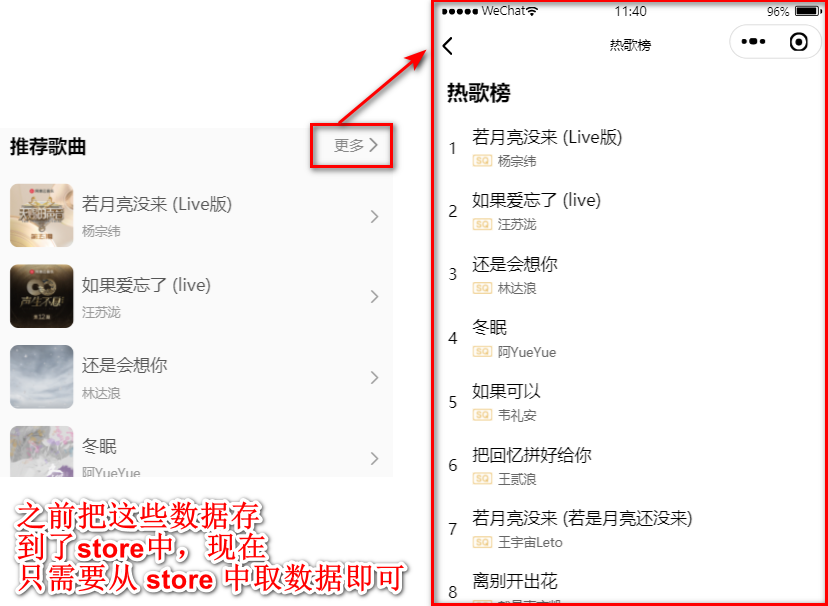
一、判断点击类型 + 获取数据
js
onLoad(options) {
  if (type === "recommend") {
    recommendStore.onState("recommendSongInfo", this.handleRanking)
  }
}第三章:歌单列表
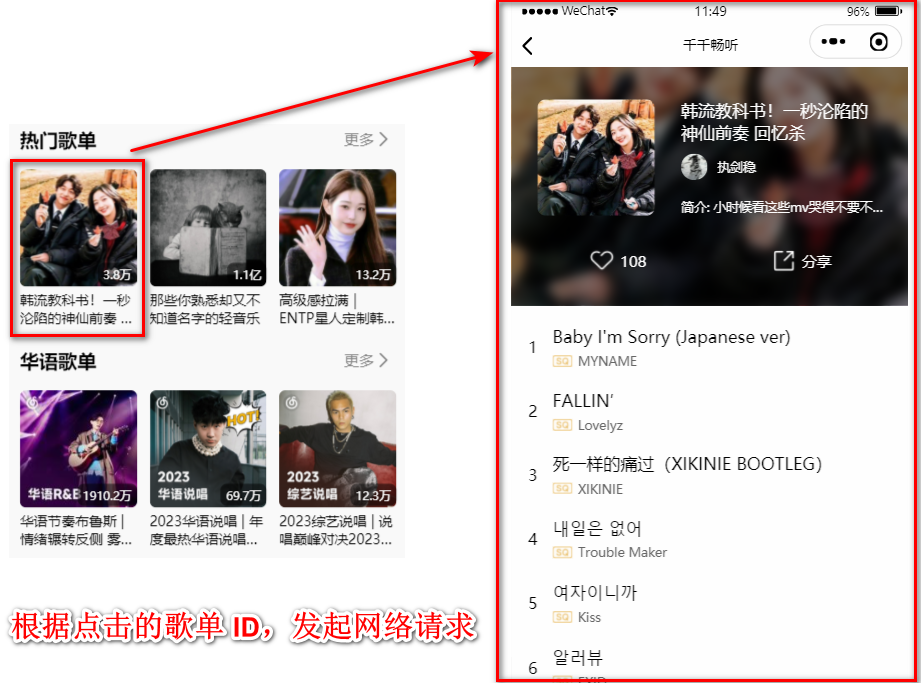
一、数据获取
1. 封装 API
接口文档:获取歌单详情
歌曲详情其实是网易云音乐的歌单详情。这个接口也使用过很多次了。
js
export function getPlaylistDetail(id) {
  return ddfRequest.get("/playlist/detail", {
    id
  })
}2. 判断点击类型 + 获取数据
js
onLoad(options) {
  if (type === "menu") {
    const id = options.id
    this.data.id = id
    this.fetchMenuSongInfo()
  }
}

async fetchMenuSongInfo() {
  const res = await getPlaylistDetail(this.data.id)
  this.setData({ songInfo: res.playlist })
},